Unlock Hidden Productivity: The Ultimate Galaxy Tab S12 Ultra Tips and Tricks Guide
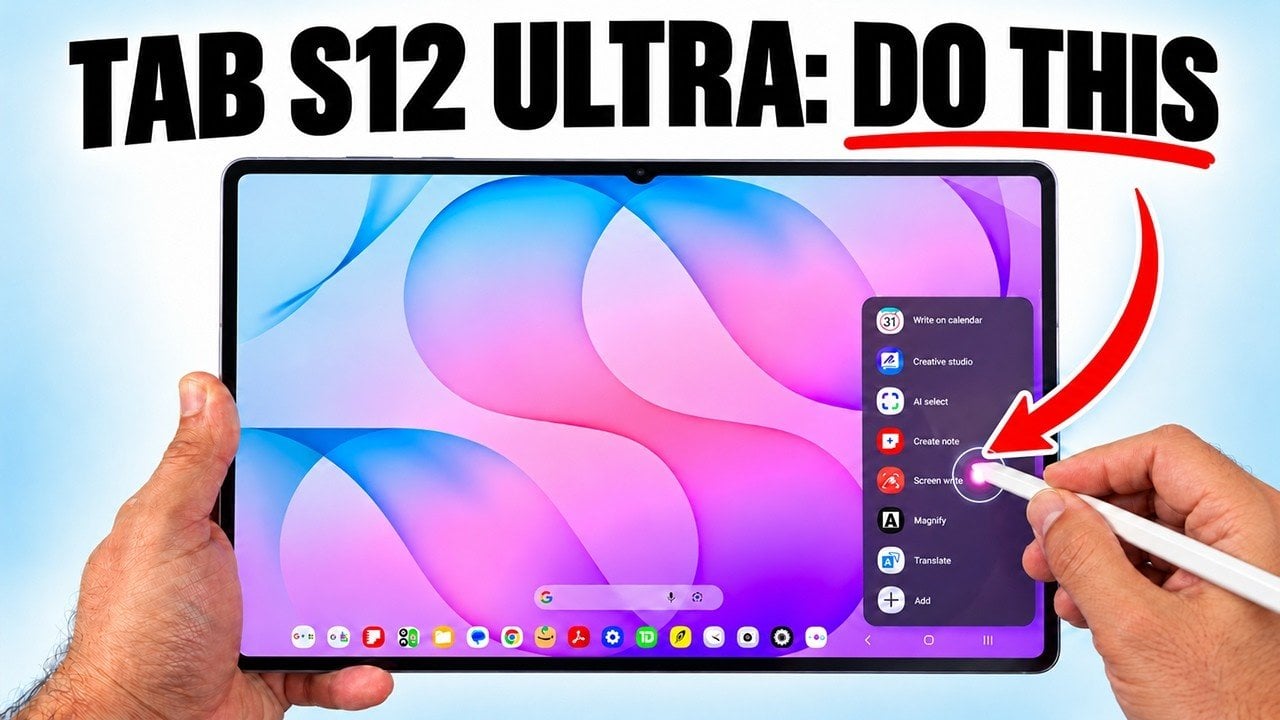
A guide aimed at Galaxy Tab S12 Ultra owners highlights how to get more value from Samsung’s tablet beyond basic use. It focuses on personalization, entertainment settings, multitasking, and the S Pen. The article suggests renaming the device, using the adaptable taskbar, adding up to 16 frequently used apps, repositioning it to match workflows, and hiding it when not needed. For media, it recommends enabling Dolby Atmos, pairing with Galaxy Buds and using the UHQ upscaler, and adjusting video brightness in apps such as Netflix or YouTube. For productivity, it points to split-screen, three-way multitasking and pop-up views, plus saving app combinations as pairs. Finally, it describes S Pen hover previews and note-taking with the pen even when the screen is off.
 xCruzo