BGR
How To Get The Best Audio Quality On Your iPhone - BGR

xCruzo Brief
The article says iPhone audio issues aren’t always “in your head.” If sound is muffled, the speaker may be affected; if audio quality drops when switching to cellular data, it could point to settings aimed at saving data. It also notes you can improve audio through adjustments such as cleaning the speakers, tweaking equalizer settings, and enabling features like Spatial Audio. For users seeking higher fidelity, the piece suggests using wired headphones via an inexpensive accessory to avoid Bluetooth’s lossy compression. If cleaning and software changes don’t resolve muffled output, it warns a hardware fault could be involved, and advises using AppleCare or AppleCare+ for servicing.
xCruzo quick-read summary • Source: BGR • Read the full article for complete information.
 xCruzo

Córdoba, capital española en la que más bajó el 'sello' del coche en 2025

Hammond-Based Hopper Roadside Redefines Emergency Vehicle Support With 24/7 App-Based Assistance Covering Cars, Trucks, and Commercial Fleets
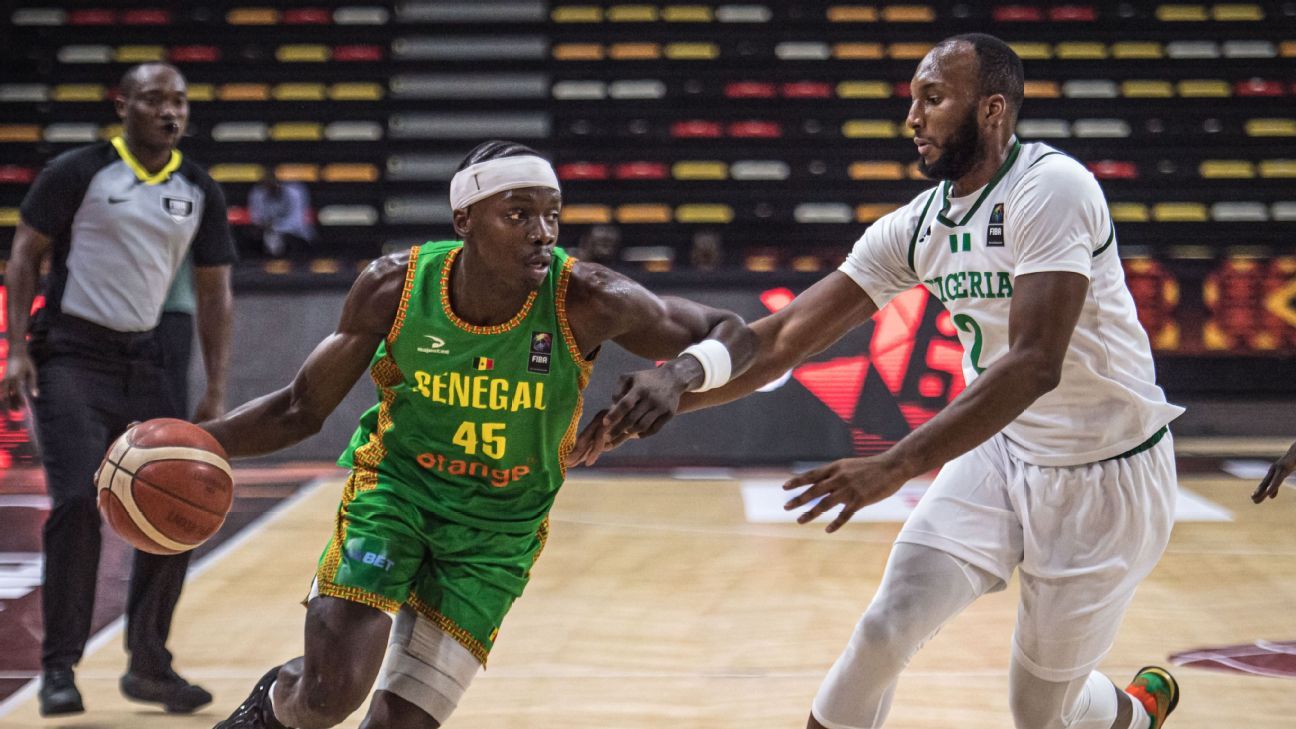
Utah Jazz guard Josh Okogie leads strengthened D'Tigers roster for World Cup qualifiers

Anthony Joshua vs. Tyson Fury location row explained: New York confirmation 'imminent?'
Important Cars from the 2026 RM Sotheby’s Monterey Auction

Cadillac Optiq Discount, Lease, Finance Deals For August 2026
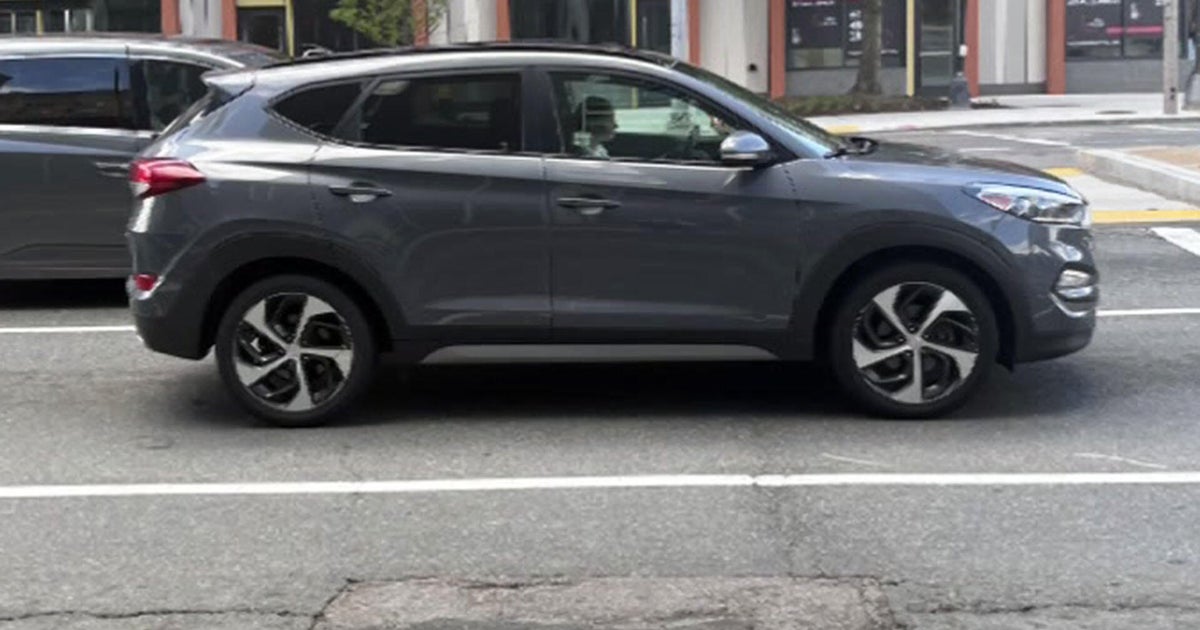
Boston mom says auto shop returned car with faulty transmission, damage, and hundreds of miles driven

Where to watch BMW Championship golf today: TV schedule, channels, live streams, tee times for FedExCup playoffs