The How-To Geek
Stopped fighting OBS's complicated interface after changing these 4 settings
xCruzo Brief
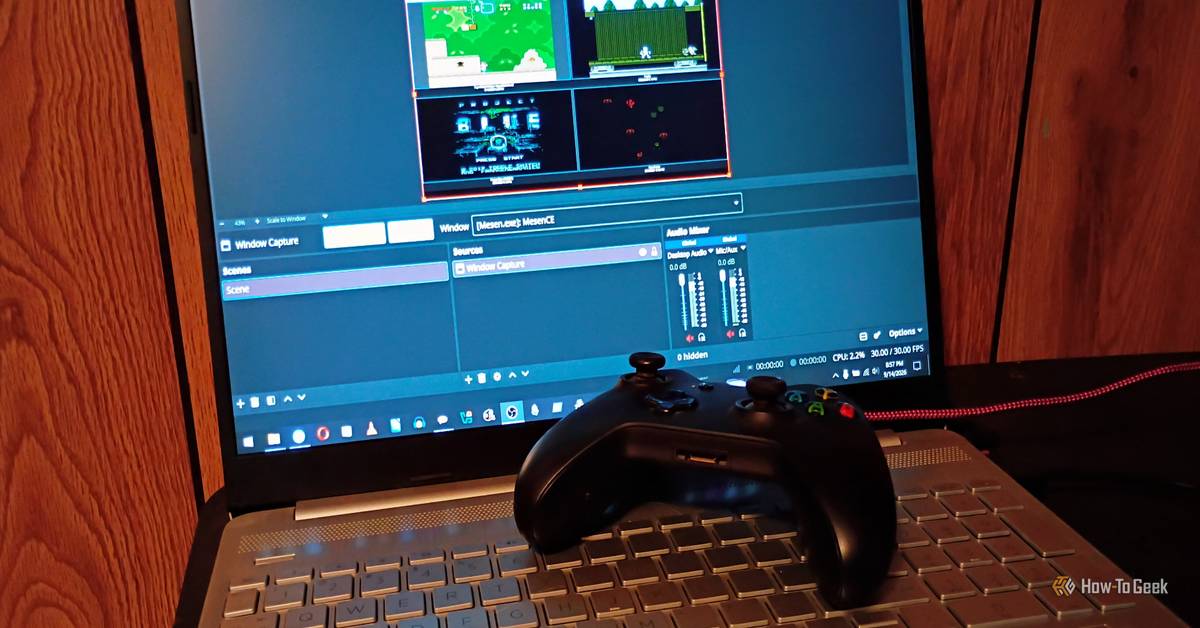
A creator focused on retro games and classroom recording says he “stopped fighting” OBS Studio’s interface by changing four settings to gain more control. He explains he uses OBS for PC gameplay capture and tutorials, preferring OBS over simpler legacy setups like his old Sony SL-5400MD VCR. After describing how the software can feel complex, he recommends cleaning up the main interface by customizing docks—locking Scenes, Audio Mixer and Sources—and adding key bindings. The piece also emphasizes not skipping basics and testing tweaks through experience and input from his kids. He notes OBS documentation and the community are thorough for questions, and that his workflow targets simple recordings rather than streaming.
xCruzo quick-read summary • Source: The How-To Geek • Read the full article for complete information.
 xCruzo
Very authoritarian, very brutal': three decades after the UK's anti-rave crackdown, why is France doing the same?

Prime Day TV Deals Are Already Here and We're Expecting Plenty More - CNET

David Byrne releases 'Who Is The Sky?' deluxe album

MUSIC Melanie C is set to break a 'Sweat' in Chicago - Windy City Times

Max vs 100 TV channel, start time, live stream and full entry list

Beach House Share Robert Lester Folsom Cover From New 'Music And Dreams: 50th Anniversary Edition'

GBBO's Nigella Lawson makes 'phoniness' admission ahead of Bake Off debut - AOL

Ashley and Mary-Kate Olsen, Matthieu Blazy and Sarah Burton Lead Designer of the Year Race at Fashion Awards