How to Remove Passcode from iPhone & iPad in 2026
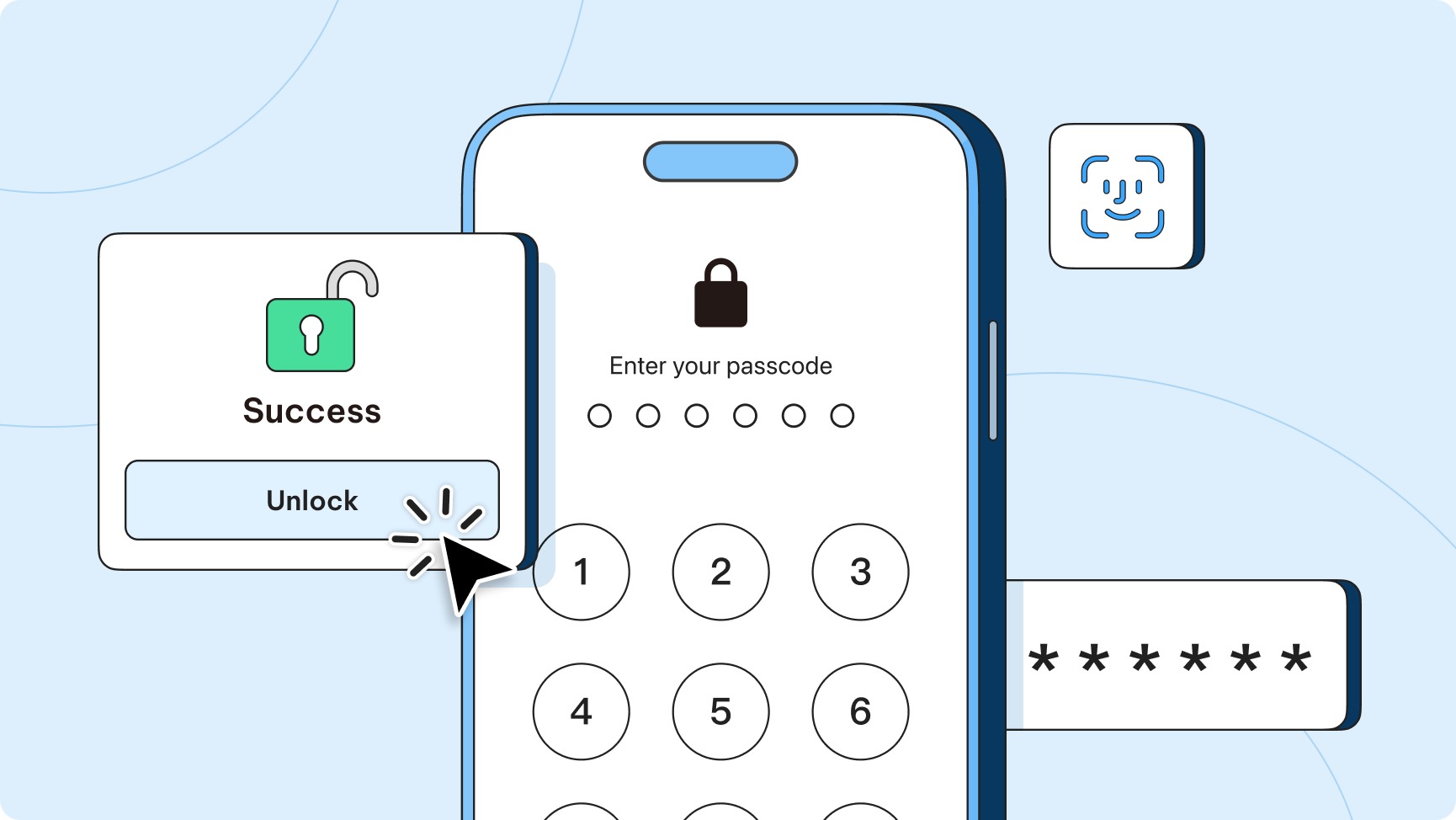
How to Remove Passcode from iPhone & iPad in 2026 centers on what happens when Apple devices become locked after repeated failed attempts, forgotten screen locks, or second-hand ownership with an existing passcode. In 2026, Apple security can display statuses such as “iPhone Unavailable” or “Security Lockout,” preventing standard unlocking. The article explains that removing a passcode typically requires erasing the device, so data loss is likely without a backup, and setup may still request the original Apple ID if Find My iPhone was enabled. It describes a computer-based recovery approach using software such as 4uKey iPhone Unlocker, then outlines recovery mode steps: connect via USB, open Finder/iTunes, restore by downloading compatible iOS firmware, and complete re-setup after the passcode and settings are wiped.
 xCruzo