The How-To Geek
Windows leaves behind gigabytes of junk when you uninstall apps -- here's how to find it
⏷ This article is from 2026-08-16 • More recent news →
xCruzo Brief
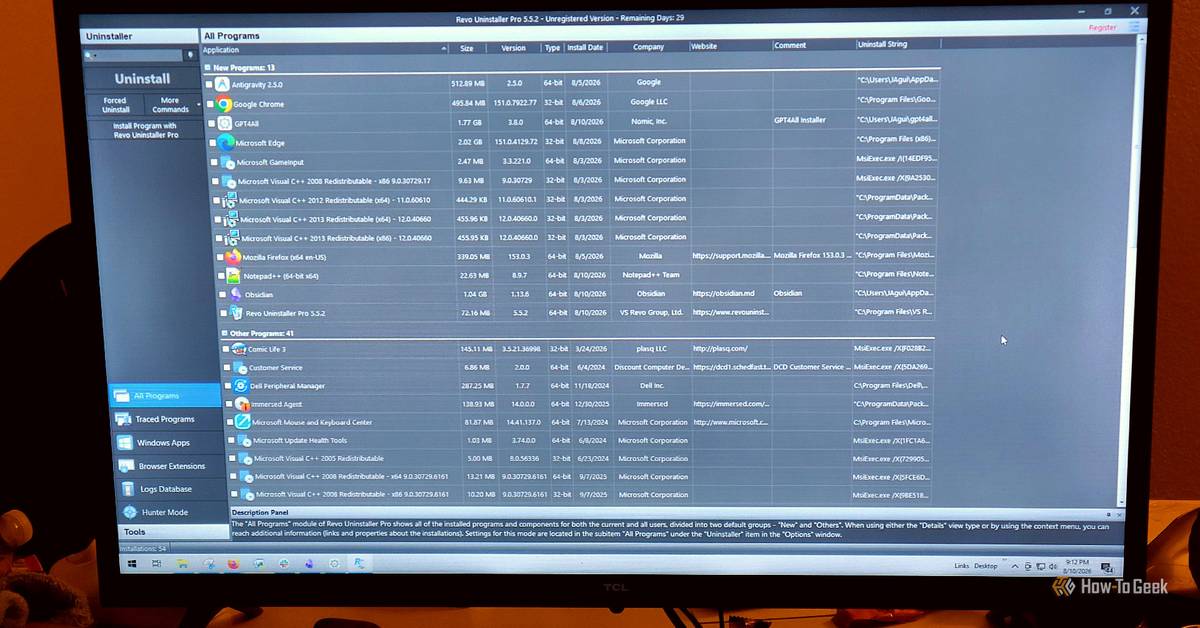
Uninstalling an app on Windows usually leaves behind files and metadata the standard uninstaller doesn’t fully track. As the article explains, Windows removes only what it has on a fixed list from the original installation, while anything created later—such as user caches, configuration files, and temporary data in folders like AppData and Temp—often remains. Windows also avoids deleting files marked as permanent and uses reference counting for shared files, which can preserve unused remnants. The result can include “gaps” in the registry and NTFS records in the Master File Table, slowing lookups and, in worse cases, contributing to Windows Update failures. Third-party uninstallers are suggested as a cleaner alternative.
xCruzo quick-read summary • Source: The How-To Geek • Read the full article for complete information.
 xCruzo

Niño Becerra, economista, adelanta cómo será la jubilación en 2060: "La tecnología alcanzará niveles inimaginables"

Dave Sunday discusses why he's suing TikTok, his thoughts on 2nd degree murder sentencing ruling

Analista explica que la IA puede generar riesgos a la democracia

It's Easy to Get Knives and Razors Onto a Plane, the Hijackers Found

Hancock's wind farm payments are up in the air. Blowing in the wind is $207,000 in annual revenue

Científicos entrenan un modelo de IA con ADN y este crea 16 virus nuevos

Deadspin | As Mets lay foundation for 2027, Nationals struggle to get relief

Jaguars 53-man roster projection after first week of the preseason