Tech
How to Force Microsoft Office to Save Files Directly to Your Computer (Instead of OneDrive)

xCruzo Brief
The article explains how to stop Microsoft Office from defaulting to OneDrive and instead save files directly on a local computer. It notes that Office’s autosave feature is linked to OneDrive, so saving elsewhere can remove fully automatic saving and require more manual saves. For users who want local copies, it recommends changing the default save location in Office settings through Word, Excel, or PowerPoint. The process involves opening File > Options, selecting Save, enabling “Save to Computer by default,” and using Browse to choose the folder. The article also advises adjusting Word’s AutoRecover interval, which is set to save every 10 minutes, and reducing it to 1 minute to lower the risk of losing significant work after a crash.
xCruzo quick-read summary • Source: Lifehacker • Read the full article for complete information.
 xCruzo
World Cup highlights: Belgium's statement win! Late drama for Iran

OpenAI limita el lanzamiento de su nuevo modelo GPT-5.6 por presión de EEUU

The Biggest Risk to Nvidia's Stock Price That Almost Nobody Is Talking About

Qualcomm's big AI gamble: Breaking Nvidia's chips stronghold | Fortune

Cómo afrontar la reacción contra la IA

Oceano Cruz analizó el Colombia vs Portugal del Mundial 2026

Cómo detectar una app falsa para el móvil... antes de descargarla | Canarias7
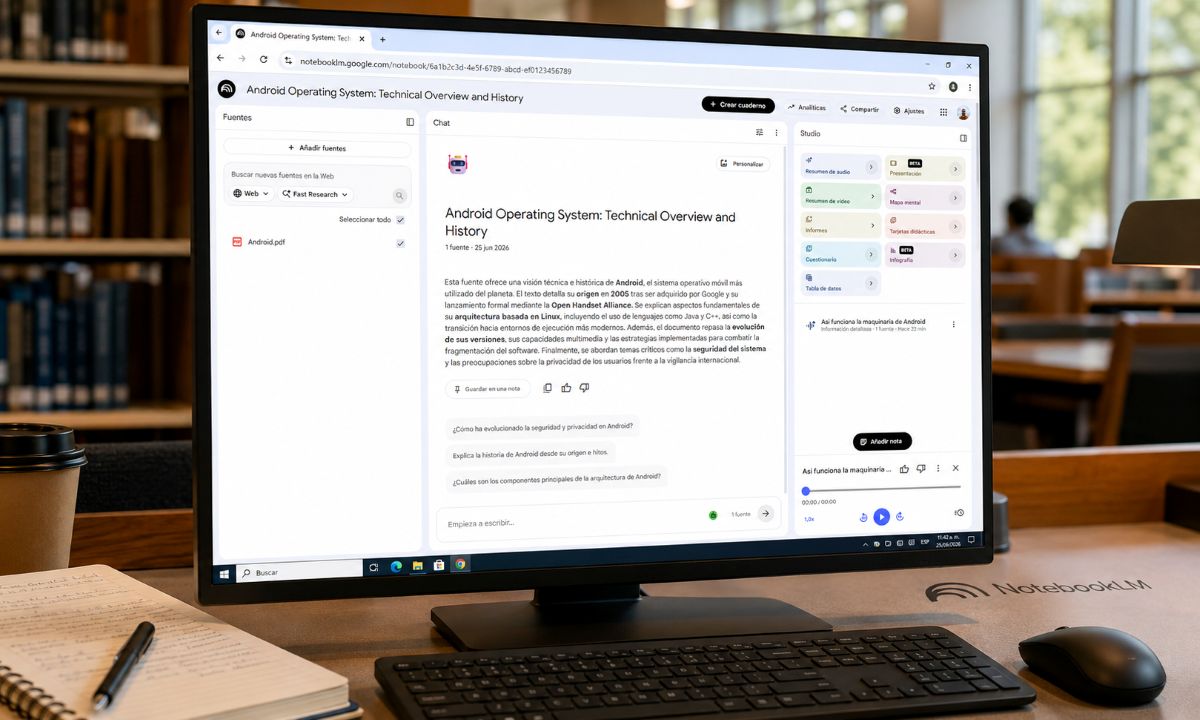
Cómo convertir un PDF en podcast con NotebookLM